Automatic subscription detection
Trace reads billing emails in the Gmail accounts you connect and finds the subscriptions and recurring payments in them.
Trace for Chrome
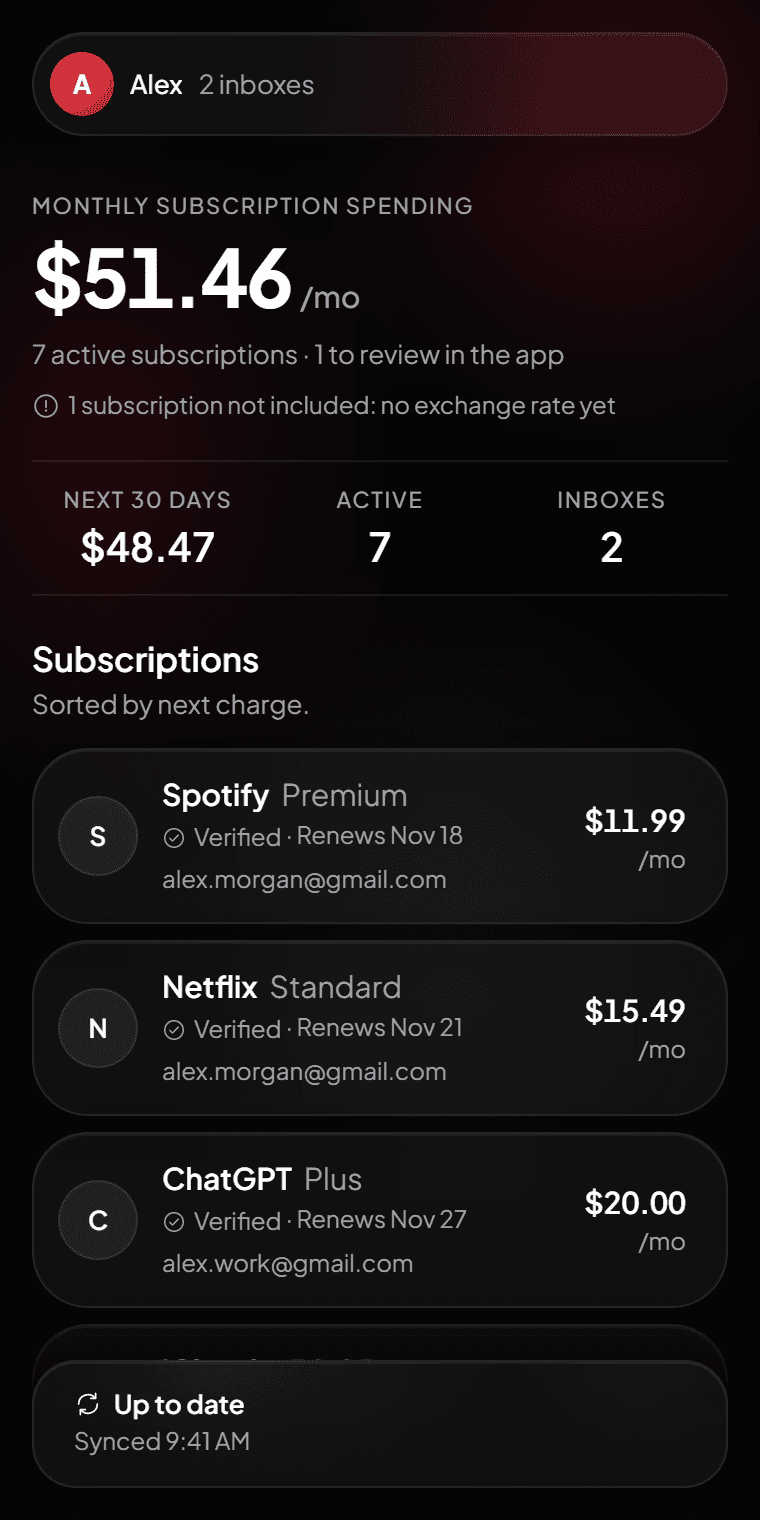
Meet Trace for Chrome. Trace finds subscriptions in your Gmail, and the extension keeps your monthly spending, upcoming payments, and every subscription one click away, without switching between apps.
Trace for Chrome is on its way to the Chrome Web Store.


What it does
Trace reads billing emails in the Gmail accounts you connect and finds the subscriptions and recurring payments in them.
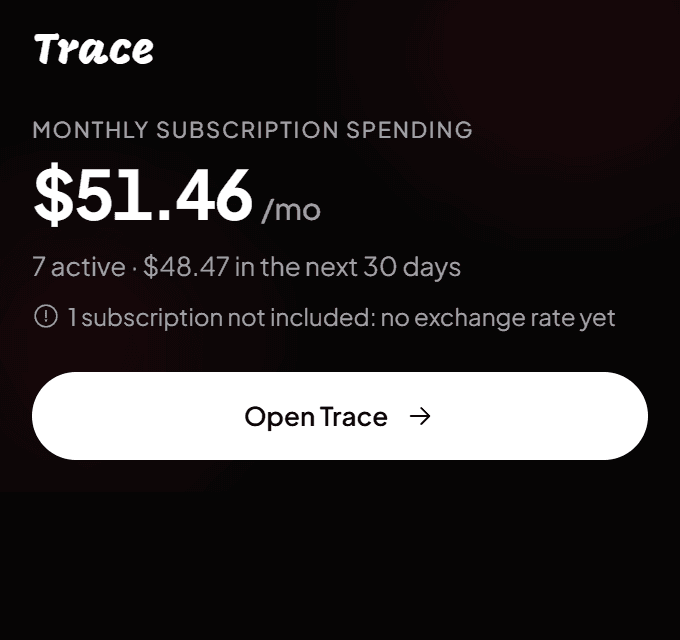
See what your subscriptions cost each month, from the toolbar popup or the side panel.
A next-30-days total, and a subscription list sorted by the next charge, with each renewal date.
Connect one or more Gmail accounts with read-only access. Trace can’t send, delete, or change your email.
Sign in with Google to the same Trace account as the app. Your subscriptions come from the same place, so they stay in sync.
See what renews next before it charges you, without opening another app.
 Coming to Chrome

Your subscriptions, finally in one place.
 Trace.